AutoKey on Wayland: does it work in 2026?
Mostly no: AutoKey 0.96.0 is X11-only per its README. The 0.97.0 beta from Git supports Wayland on GNOME and KDE Plasma, but not on Niri, Sway or Hyprland.
Michael Grossklos3 min read
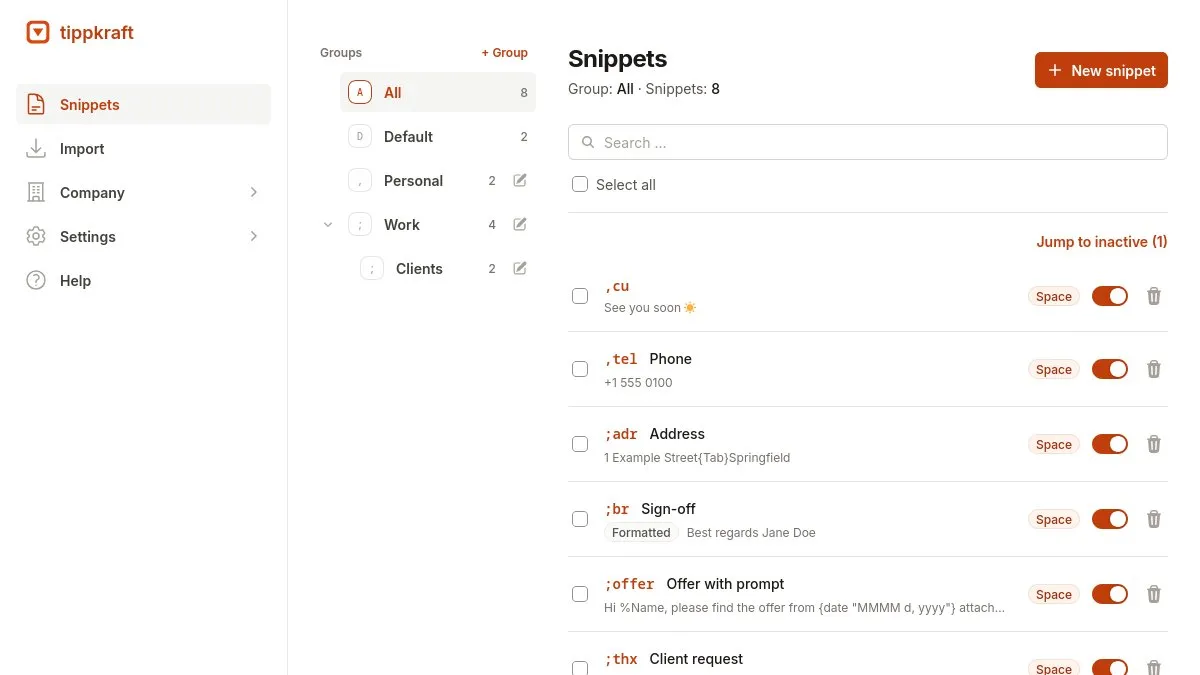
Mostly no, not yet. The stable version of AutoKey, 0.96.0, is an X11 application according to its README. Only the development branch (0.97.0-beta.0) has initial Wayland support, for GNOME and KDE Plasma. It rejects other Wayland desktops such as Niri, Sway and Hyprland at startup. You install the beta from source.
Disclosure: I build tippkraft, another text expander for Linux. This is about what AutoKey can do on Wayland. tippkraft only comes up as one option among several.
What works today
- Stable version 0.96.0 (released 5 June 2022): the README says AutoKey is an X11 application and will not function correctly when Wayland is used instead of Xorg.
- Development branch, 0.97.0-beta.0: according to the changelog, initial Wayland support for GNOME and KDE Plasma. On GNOME it needs its own shell extension.
- Other Wayland desktops: AutoKey checks the desktop at startup and reports others as unsupported, which includes Niri, Sway and Hyprland.
- Script commands that search for images on the screen are disabled on Wayland.
- No GitHub release yet: the beta is not published as a release, so you install it from Git.
The project is run by volunteers, as the maintainers themselves say. Treat the beta as a beta.
What to do if you need it now
You have four options. For more text expanders and what each does best, see PhraseExpress alternatives for Linux.
Stay on an X11 session. If your desktop still offers one, AutoKey 0.96.0 works there as documented. This is the safest way to keep your Python scripts.
Try the development branch. If you use GNOME or KDE Plasma, you can install 0.97.0-beta.0 from source and see whether it covers what you need. On GNOME, install its shell extension too. Expect rough edges.
Use Espanso with its Wayland build. Espanso is free and open source and has a Wayland package or build, which its docs call experimental. The usual problems and fixes are in Espanso not working on Wayland.
Use tippkraft. It runs on GNOME 46+, KDE Plasma 6, Niri, Sway and Hyprland, and on X11. It reads the keyboard through Linux input devices and types through a virtual input device. Snippets are managed in a web app and sync between devices. It is free during the beta, then free for one device and 25 snippets, with Pro at $2.99 per month. Setting it up on a tiling compositor is covered in text expansion on Hyprland, Niri and Sway in 5 minutes. A fair comparison, including where AutoKey is better: tippkraft vs. AutoKey.
What you lose when you switch
Python scripts cannot be transferred. tippkraft has no scripting, and that holds for anything that controls windows, the mouse or other programs. If a script only produces text, you can often rebuild it with prompts, choices, variables and conditions.
Plain phrases are easier. tippkraft cannot import AutoKey snippets, so you move them by hand:
- AutoKey stores each phrase as a text file with a hidden companion file for its settings. Open the text files, or the phrases in AutoKey.
- In the tippkraft web app, create a snippet for each phrase, paste the text and set the abbreviation.
- Replace AutoKey macros with tippkraft placeholders, for example the date or the cursor position.
- Connect the desktop app to your account once.
You can also run both: AutoKey for Python scripts, tippkraft for text snippets. Make sure they do not react to the same abbreviation.
Frequently asked questions
Does AutoKey run on Wayland?
The stable version 0.96.0 is an X11 application according to its README. The 0.97.0 beta from the development branch has initial support for GNOME and KDE Plasma. Other Wayland desktops are not supported yet.
Can I use the AutoKey beta on Niri, Sway or Hyprland?
No. AutoKey detects these desktops at startup and reports them as unsupported.
When was the last stable AutoKey release?
Version 0.96.0, released on 5 June 2022. The Wayland work is in the development branch (0.97.0-beta.0), which you install from Git. According to the maintainers, the project is run by volunteers.
Sources
- AutoKey on GitHub (README), retrieved 9 November 2026
- AutoKey: version 0.96.0 (releases), retrieved 9 November 2026
- AutoKey: changelog in the development branch (0.97.0-beta.0, Wayland), retrieved 9 November 2026
- AutoKey: Wayland desktop check in the development branch, retrieved 9 November 2026
- AutoKey issue #1042: Wayland support for KDE and other desktops, retrieved 9 November 2026
- AutoKey documentation: introduction (phrases, scripts, hotkeys, files), retrieved 9 November 2026
- AutoKey: license (GPL-3.0), retrieved 9 November 2026
- tippkraft desktop app on GitHub, retrieved 9 November 2026
How this was written: research and draft with AI assistance, facts checked and edited by Michael Grossklos.
Share
More articles
Best PhraseExpress alternatives for Linux in 2026
No PhraseExpress for Linux? 6 alternatives compared: which run on Wayland, which import your PhraseExpress snippets and which only work in a browser.
Espanso not working on Wayland? Causes and fixes
Espanso not expanding on Wayland? It is almost always the package, setcap, the keyboard layout, app configs or a new keyboard. Here is how to fix each.
A text expander on Hyprland, Niri and Sway in 5 minutes
With tippkraft it takes four steps: add your user to the input group, install, let setup add the shortcuts, then save your first snippet in the web app.